Programmatic access for developers and data teams.
The Trace API is a standard REST interface. Look up any company by domain, retrieve their full technology profile, vendor relationships, and partner ecosystem data. Filter by specific technologies or ecosystem membership. Every response includes detection evidence so you can validate the data programmatically.
Key Endpoints
GET /v1/companies/{domain} Full profile: tech stack + vendors + partnersGET /v1/companies/{domain}/signals Recent change signalsGET /v1/companies/{domain}/partnerships Partner ecosystem mapPOST /v1/search Find companies by technology or ecosystemPOST /v1/enrich Batch enrichment
curl https://api.tracedata.ai/v1/companies/stripe.com \
-H "Authorization: Bearer $TRACE_KEY"
# Response includes tech, vendors, partners
{
"domain": "stripe.com",
"technologies": [
{"name": "React", "confidence": 0.95}
],
"vendors": [
{"name": "AWS", "source": "subprocessor"}
],
"partners": [
{"name": "Xero", "type": "integration"},
{"name": "NetSuite", "type": "integration"}
]
}
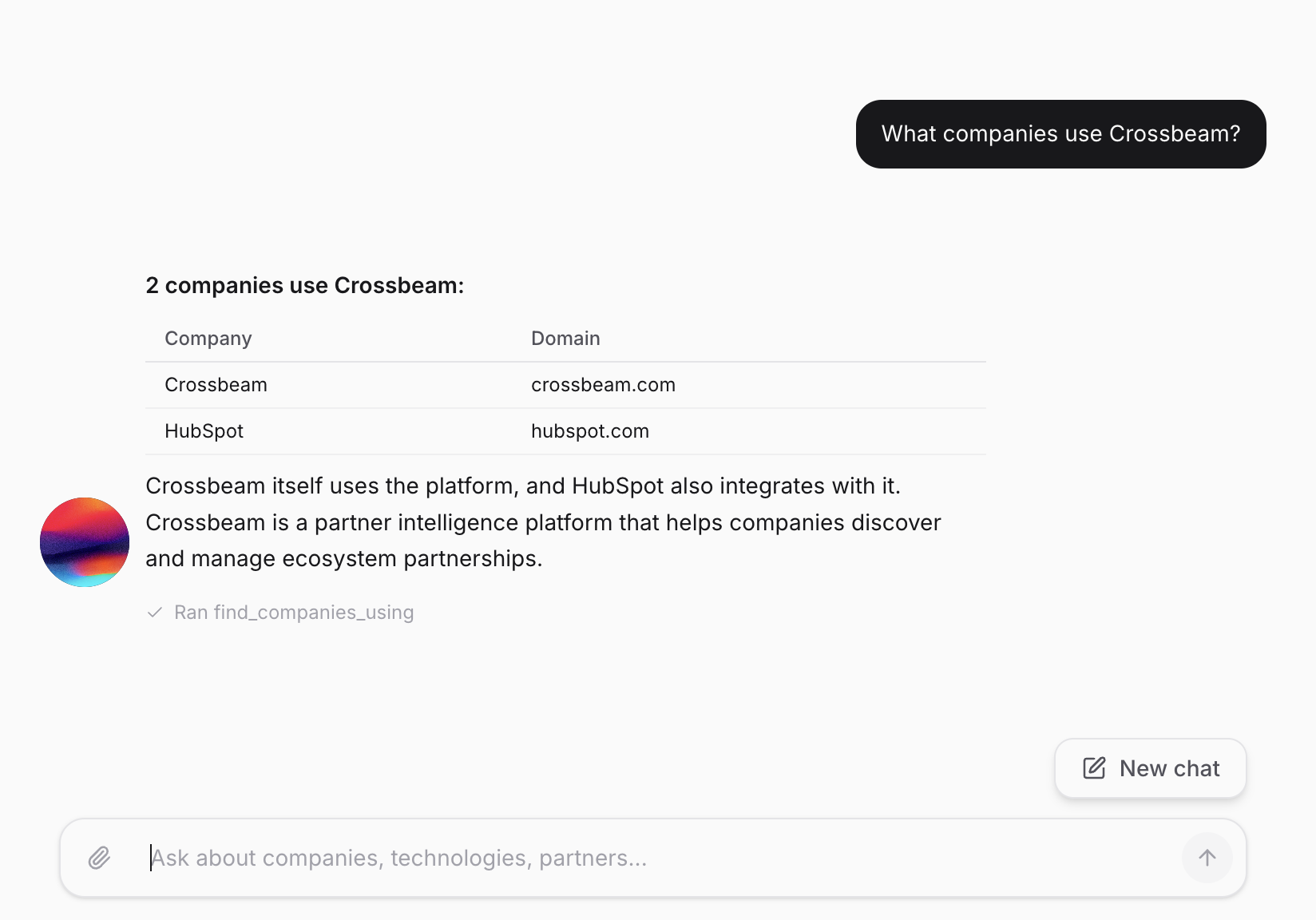
Native MCP support. Your AI agents query Trace directly.
Trace supports the Model Context Protocol from day one. Your AI agents, whether built on Claude, ChatGPT, or any MCP-compatible framework, can query tech stacks, vendor relationships, and partner ecosystem data as a native data source. No middleware. No API wrappers. No translation layer.
This is where the "built for the AI era" claim is most concrete. Most data providers require you to build custom integrations and parse their API responses for your agent. With Trace, the agent just asks.
MCP queries consume credits just like API calls. Your agents can also flag suspected inaccuracies through MCP, triggering the same AI-driven accuracy feedback loop.
Set Up MCPUser: "Who does notion.so
partner with?"
Agent → mcp trace.ecosystem
domain: "notion.so"
Trace → Agent:
Integration partners: 85+
Top categories:
• Productivity (Slack, Zapier, IFTTT)
• Dev Tools (GitHub, GitLab, Jira)
• Analytics (Amplitude, Segment)
Recent: Figma integration (2026-02)
Agent: "Notion has 85+ integration
partners. Their ecosystem is
strongest in productivity and
developer tooling..."
Search, browse, and export. No code required.
Not everything needs to be programmatic. The Trace web UI lets you search for any company, browse their technology profile, vendor map, and partner ecosystem, view recent change signals, and export the data you need.
Use it for quick account research before a call. Explore a prospect's integration ecosystem. Validate a hunch about what a competitor runs. The UI is designed for speed. You shouldn't need to read a manual to look up a company.
Try the Web UI
Push Trace data directly into your CRM.
CRM enrichment pushes Trace technology detections, vendor relationships, and partner ecosystem data directly into your account records. When a rep opens an account in Salesforce, HubSpot, or your CRM of choice, the tech stack, vendor map, and ecosystem data is already there.
Set up automatic sync schedules or trigger enrichment on demand. You control which accounts get enriched, how often, and which fields are written. For RevOps teams, this is the path of least resistance. Your reps don't need to learn a new tool.
Set Up CRM Sync